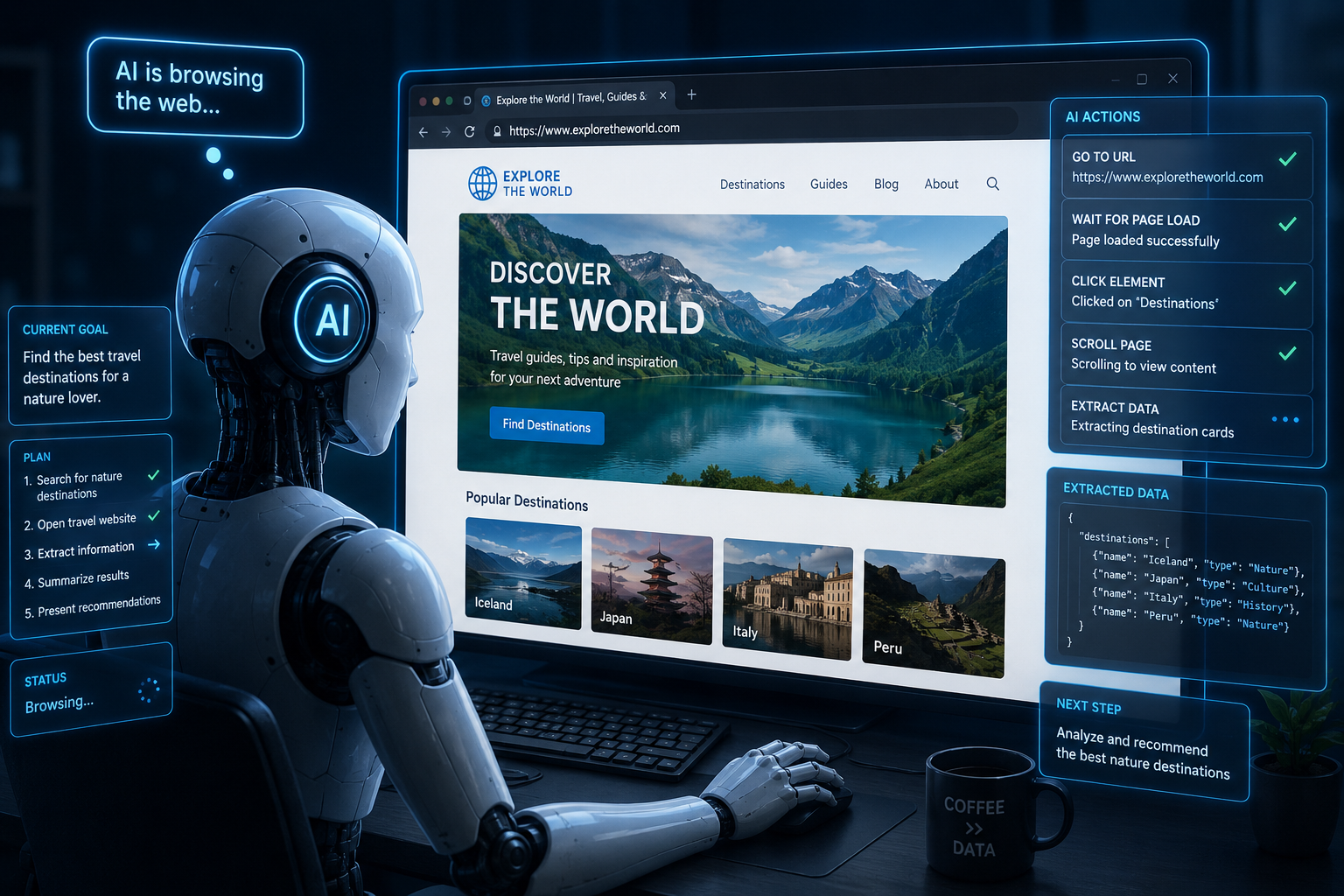
AI is a superstar. It’s generating code from scratch, solving mathematical conjectures and more! Given that’s the case, I thought, it should be able to do simple browser automation tasks right ? Let’s tackle that with AI and put an end to boring data entry work I do.
1. Basic Process Flow:
Receive Email -> Process email that if it needs addition of an item -> Clean up the AI output to structured JSON -> Use AI to add the item in web-page.
2. Determining the right tool for the job
i. Openclaw
The first tool I considered was of course OpenClaw - a self-hosted gateway that connects chat apps to AI coding agents. You run a single Gateway process on your own machine (or a server), and it becomes the bridge between your messaging apps and an always-available AI assistant.
It could have worked, but it felt like I was using a chainsaw to slice beef. It required too much access to my computer and had too many warnings that honestly freaked me out. I observed that most users deployed OpenClaw on a machine that they were not using for their day to day operations, mainly for security reasons.
I just needed an agent that can perform a simple task. There had to be a simpler way.
ii. n8n
After scouring the internet and reddit a bit, I found an interesting story of how a guy used n8n to effectively perform an employee’s entire role in a company. I thought it was interesting so I took a deep dive:
n8n - a popular, node-based workflow automation platform that lets you connect different apps, services, and AI models visually to automate repetitive tasks
I liked it because I could use it to perform the simple task I referred to earlier. Not only that, but I could host it locally and do whatever I want from my own machine without restrictions. Its open source also which is cool!
See the workflow I came up with to perform my task:

Basically, this is what it does:
a) Gmail Node
When an email enters into my inbox, it triggers the process flow
b) AI Node
The LLM (ChatGPT) in this case, reads the email and determines whether the email is relevant to the workflow or irrelevant
c) If Node
If the email is relevant, pass on the data processed from from the AI Node
d) Extract the AI text
Use Javascript to structure the information in a format that can be used to make a HTTP request.
e) Make the HTTP Request
Make the HTTP Request to server.
iii. Browser Use
Inside the server, I planned to make use of another AI tool:
Browser Use - an open-source Python library and framework that lets AI agents control and navigate web browsers like humans do
Of course given it’s a python library, I had to host a simple python server with Flask.
With the correct prompt, browser use would go ahead to add the item to the web page. I needed AI for this section because some intelligence was needed:
- If the requested item already exists in the system, do not add it
- Else if the requested item exists but not in the desired form, modify it.
- Lastly if the item does not exist at all, add it.
3. Observation
To no one’s surprise, it worked! AI could do my job! But there was only one challenge, sometimes the task would encounter hitches which I wouldn’t understand why. There was no debugging in this process, so I just had to wait until the AI figured it out. Such a simple process like filling up a form would have some delay, yet it was a brainless task. I really wanted to make it move faster. I even used the below prompt from the docs:
SPEED_OPTIMIZATION_PROMPT = """
Speed optimization instructions:
- Be extremely concise and direct in your responses
- Get to the goal as quickly as possible
- Use multi-action sequences whenever possible to reduce steps
"""
It didn’t work. I wanted to take matters into my own hands. I wanted to write some code that would make this process quite a bit faster. But I couldn’t. The problem with browser-use is that it is AI first. It’s highly dependent on you sending out some prompt for the browser to do stuff. Modifying the internal mechanisms of the automation is very restricted. If I wanted to make the most out of this automation, I needed to be in control as a developer, bringing the AI in when intelligence is required.
4. Conclusion
I figured I need another tool. A tool that would give me as a developer control and loops in AI when intelligence is required. Enter Stagehand:
I just love it when I get a solution for exactly what I was looking for. Someone somewhere faced the exact challenge I faced and went on to develop such a tool.
I’ll definitely be playing around with it to see how best it can suit my needs.
Adios!